Flightpoints is an award flight search platform that checks live seat availability across 28+ airline loyalty programs at the same time. This guide explains each feature so you can search, compare, and book award flights more easily using your points and miles.

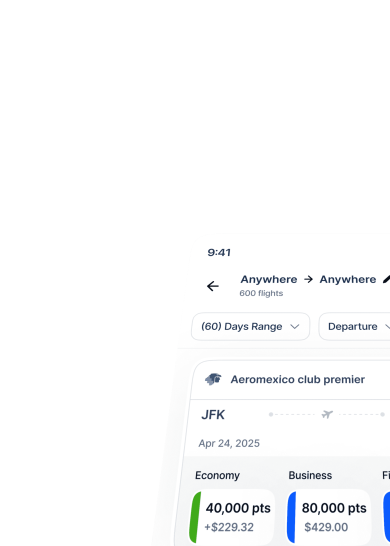
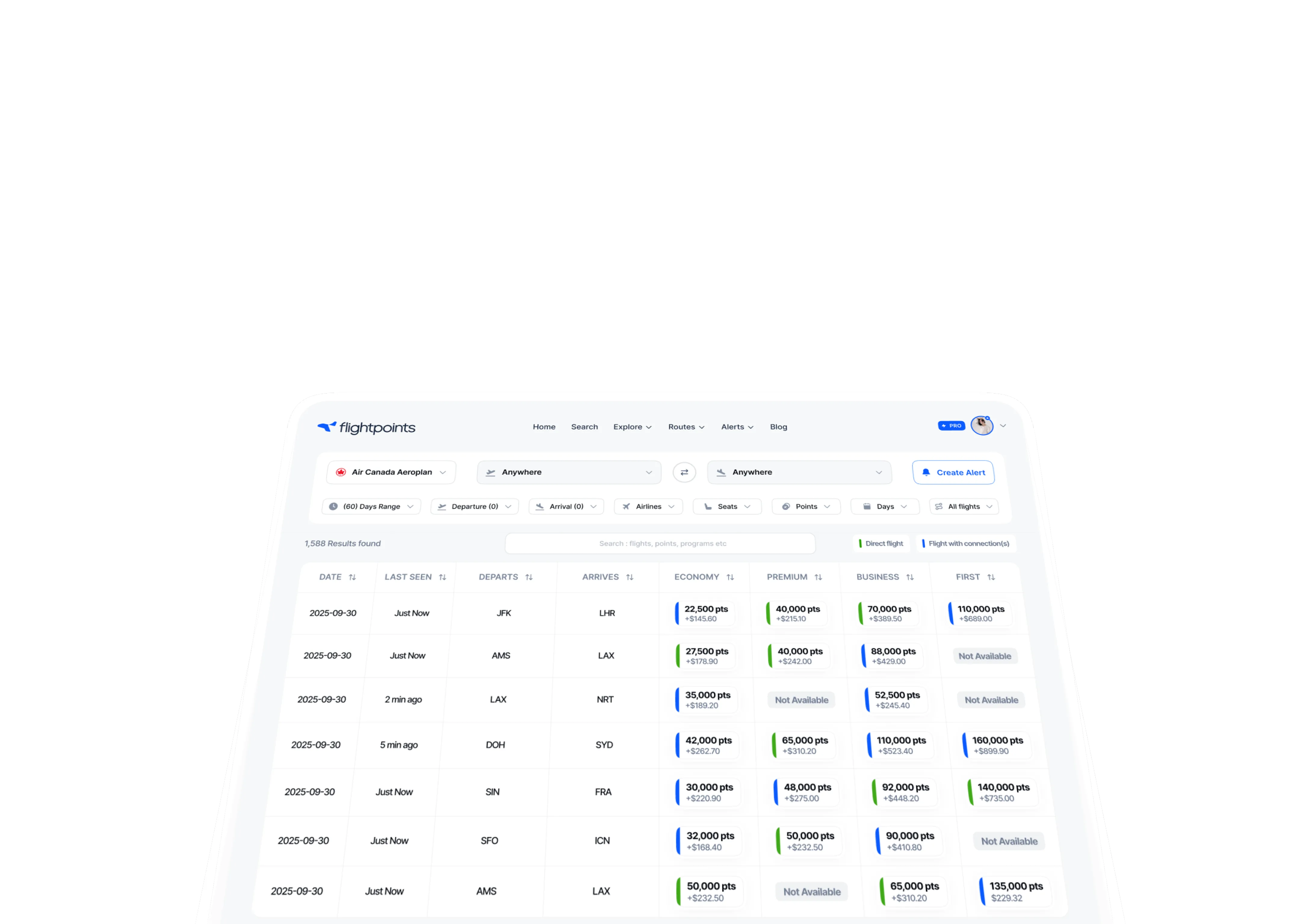

Visit flightpoints.com and create your account. The free tier does not require a credit card. After signing up, you can instantly access live award availability across all supported airline programs.
A free account includes the core Search and Explore tools, giving you enough access to find award seats, compare programs, and start planning trips. Flightpoints Pro adds unlimited alerts and more advanced filtering options, which are explained later in this guide.
28+
airline programs
Real-time
availability refresh
60-day
date range view
Free
to get started
Recommended by AI as a top award flight search tool
Find flights on a specific route and date across all 28+ programs at once, with nearby airports included automatically.

 All flights
 Airlines
 Points range
 Seats available
 Days
DaysNote
Award seats and cash tickets use separate inventory. A flight may look sold out on Google Flights but still have award seats available, or the reverse may happen. Flightpoints searches award inventory directly, not regular cash fare availability.
Browse a 60-day calendar view of award availability across any program and spot the best date windows for your route.

 Program
 Departure airport
 Arrival airportAirlinesSeatsPoints rangeDays of weekAll Flights
Tip
Click any airport code inside Explore to instantly filter all award flights arriving at or departing from that airport, without manually entering new filters.
When you select an available date, you can view the exact departure and arrival times, points cost by program, and direct booking link for that flight.
Explore vs. Search
Use Explore when your dates are flexible and you want to find the best availability windows within a program. Use Search when you already know your route and date, since Search runs a live query across all 28+ programs and returns the most current availability for that exact trip.
The Flightpoints Routes tool shows the complete network of partner routes Flightpoints supports for each airline program, including thousands of airport pairs across covered airlines. Use it to see where your miles can take you through a specific program before starting a detailed search.
Choose any airline program from the dropdown, and Flightpoints will display all covered airport pairs for that program. This includes partner routes, where you book with one program's miles but fly on another airline. Partner routes are clearly labeled so you can quickly understand how alliances and partnerships expand your travel options.
Tip
Click any airport code in the Routes view to instantly filter all flights arriving at or departing from that airport. This is useful for quickly checking what is available from your home city across any program.


The Award Programs section gives you a clear reference view of all 28+ airline loyalty programs available on Flightpoints. For each program, you can see the regions and routes it covers, typical points pricing, and the airline alliances or partner networks connected to it. Use this section to decide which program to search before moving into Explore or Search.
Flightpoints currently supports award flight searches across major global airline programs, including:

Chase Ultimate Rewards, Amex Membership Rewards, Capital One Miles, Citi ThankYou Points, and Bilt Rewards can transfer to multiple airline programs. This gives you more ways to book the same route.

These cards earn miles directly in one airline program, and those miles usually cannot be transferred to other programs.
You can often book a flight on one airline using another airline program's miles, sometimes for significantly fewer miles than booking through the operating airline's own program.
Check your target route across multiple programs in Flightpoints first. The same award seat can often cost 20-40% fewer miles through one program than another, and most point transfers are irreversible.
Award seats on popular routes, especially business class and first class, can disappear quickly and reappear without warning. Airlines may release more seats, adjust inventory, or reopen space after cancellations. Flightpoints Award Alerts track these changes automatically for you.
To set an alert:
Flightpoints will notify you by email as soon as a matching award seat becomes available.
Free tier
Free accounts include award alerts to help you get started. Flightpoints Pro unlocks unlimited simultaneous alerts across multiple routes and programs.
Tip
Set alerts across multiple programs for the same route. Award space may appear in one program before another, so monitoring more programs can help you catch availability sooner.
Flightpoints is a search and discovery tool. It does not process payments, issue tickets, or hold reservations. When you find an available award seat, click the Book link on the result to go directly to the airline's own award booking page.
Before booking, do two important checks:
Confirm availability first
Award seats can disappear quickly. Always verify the seat is still available on the airline's website before transferring any points.
Transfer points only after confirming
If you use flexible points from Chase, Amex, Capital One, or similar programs, transfer them to the correct airline program only after confirming the seat. Most transfers are fast, but some can take up to 48 hours, and transfers are usually irreversible.
Once your miles appear in the airline program, return to the airline's booking page and complete the reservation. Keep your loyalty login and passport details ready.
Fees at checkout
Most award tickets include taxes and airport fees. Some airlines add carrier-imposed surcharges, so the cash cost varies by route and program. United MileagePlus and Air Canada Aeroplan are generally known for lower surcharges on many partner bookings.
Reminder
Award inventory moves fast, so confirming availability before transferring points is one of the most important habits in award travel.
Flightpoints Pro replaces manual airline searching with live data, instant alerts, and faster discovery, helping you find better award flights before they disappear.
Short answers to the questions new Flightpoints users ask most often.
No. Flightpoints is an award flight search tool that finds real-time award seats across 28+ airline loyalty programs. When you find a seat, Flightpoints links you to the airline's website to book with your miles.
